
A step-by-step guide to installing StbEmu on the Amazon Fire TV Stick / Amazon Fire TV Cube
Important: To sideload an IPTV application, you must have the Downloader app installed. If you haven’t installed it yet, please follow our Downloader installation guide HERE.
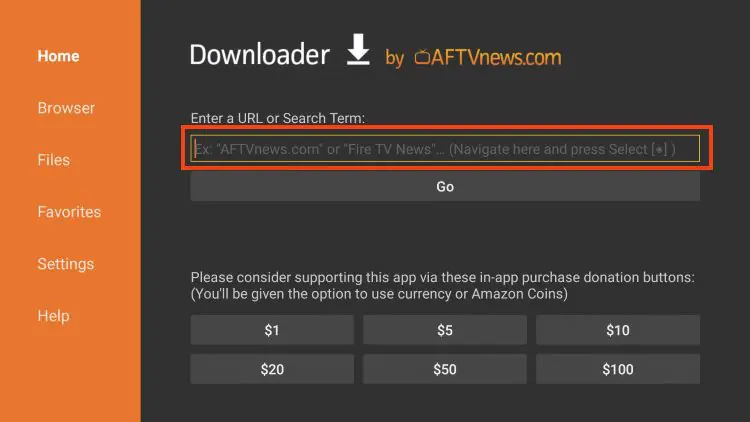
1) Open the Downloader application, select the URL bar, and enter 2499260.
2) Scroll down to StbEmu and click Download StbEmu. StbEmu will now download.
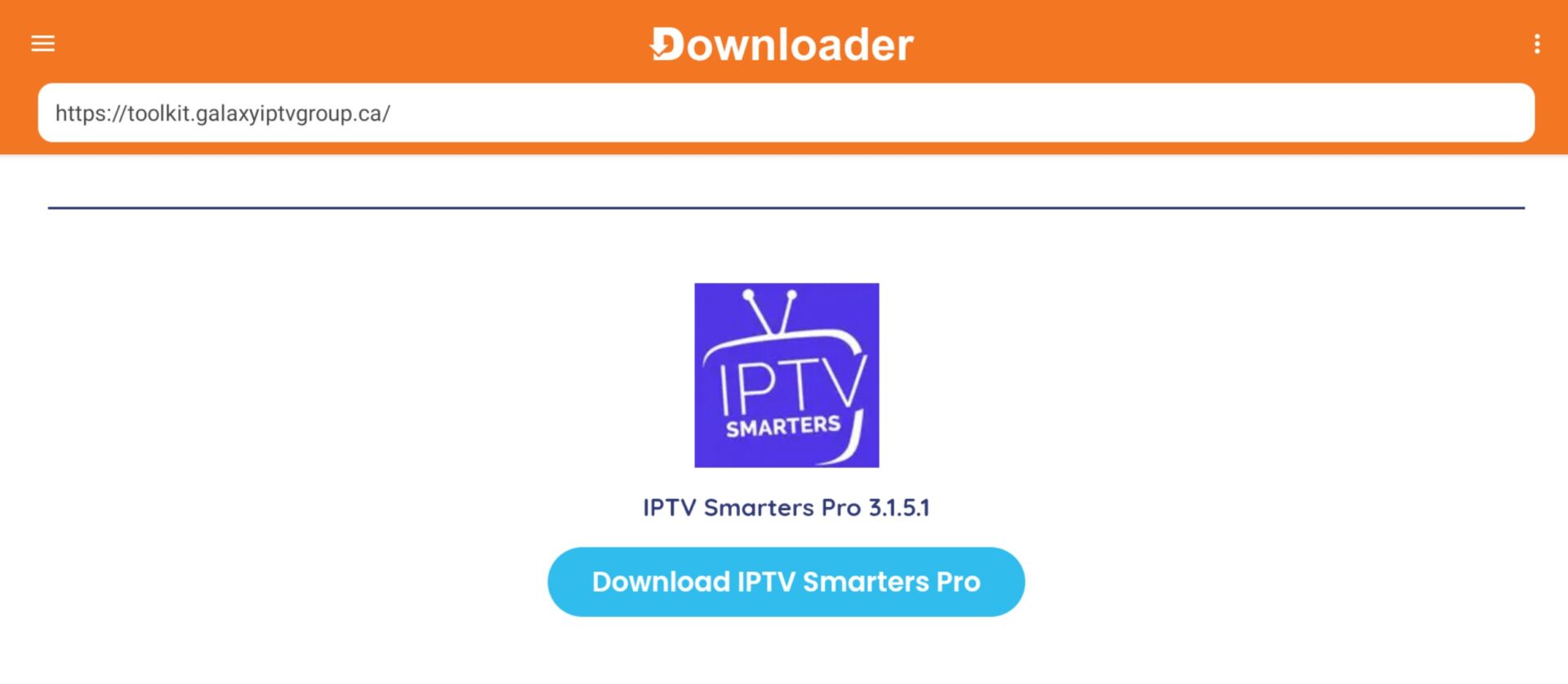
3) After StbEmu has downloaded, click Install.
Optional: Once StbEmu is installed, press the back button and click Delete. Confirm the deletion, as the APK is no longer necessary and is just taking up space.
