
A step-by-step guide to sideloading IPTV applications on the Amazon Fire TV Stick / Amazon Fire TV Cube
Step 1: Install Downloader
If Downloader is already installed, skip to Step 2. Otherwise, follow the steps below.
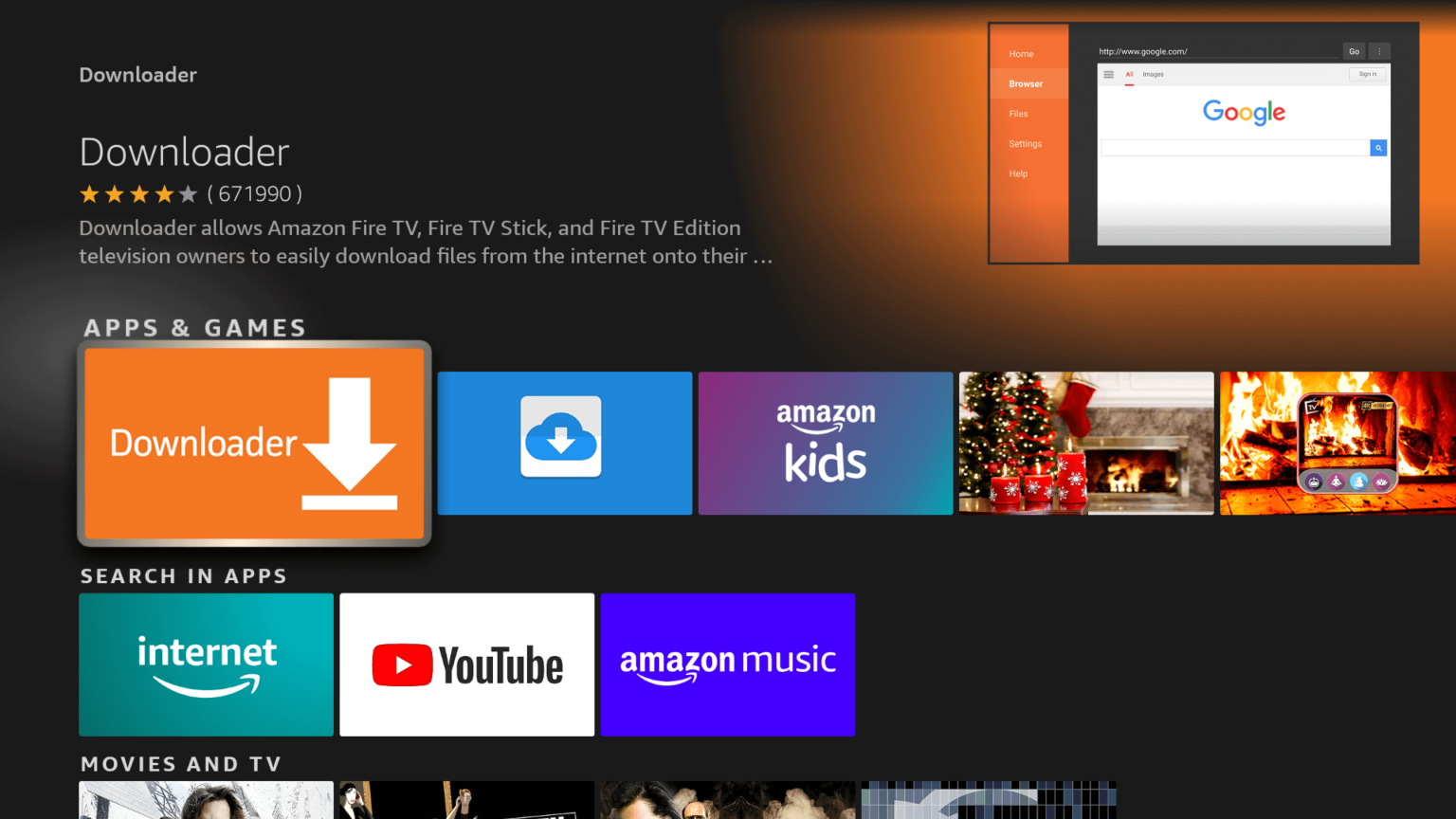
1) Find the search bar, type “Downloader,” and install the app.
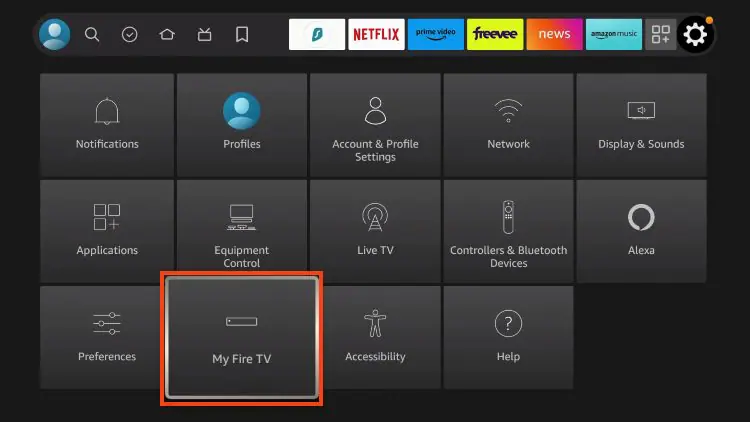
2) Go to Settings and click My Fire TV.
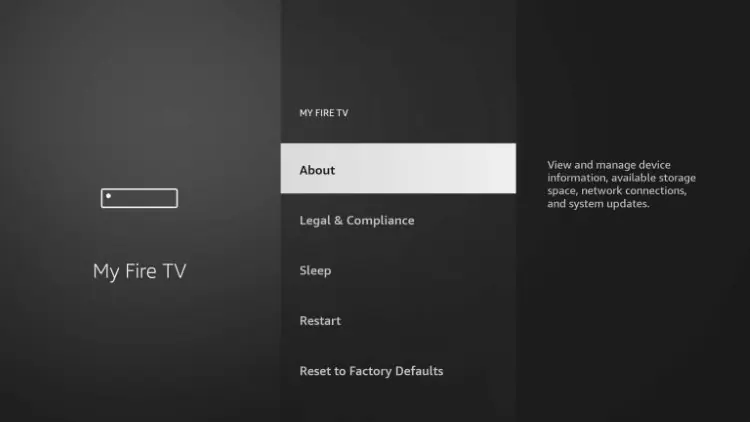
3) Click About.
4) Hover over Fire TV Stick and click the select button 7 times until you see the “You are now a developer” message.
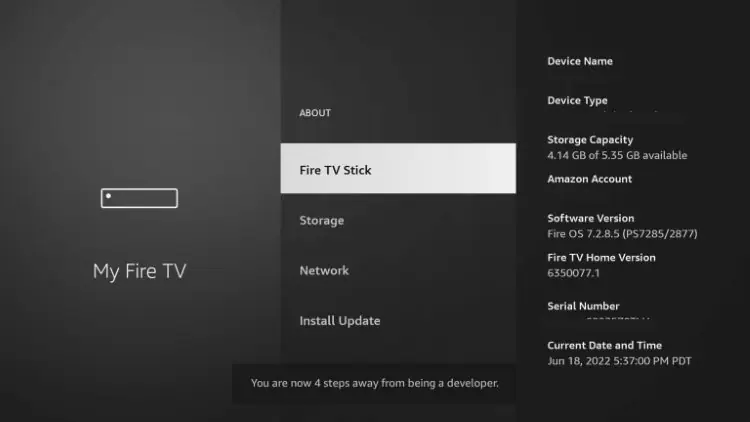
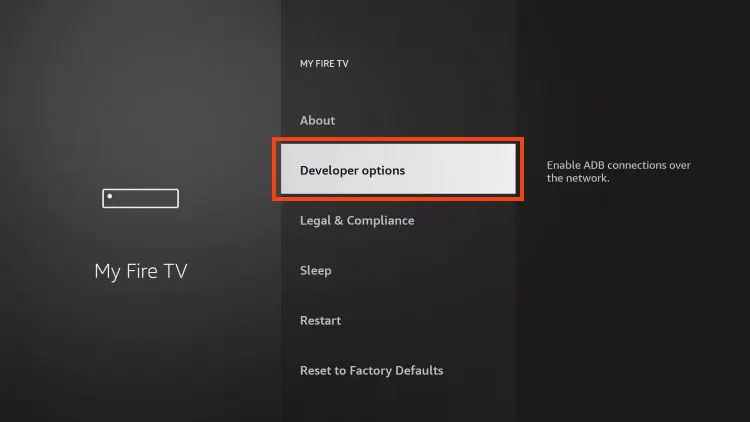
5) Go back to the My Fire TV tab and Developer Options should now be listed.
Please note: If your device is older, Developer Options will be within the My Fire TV tab without having to select About.
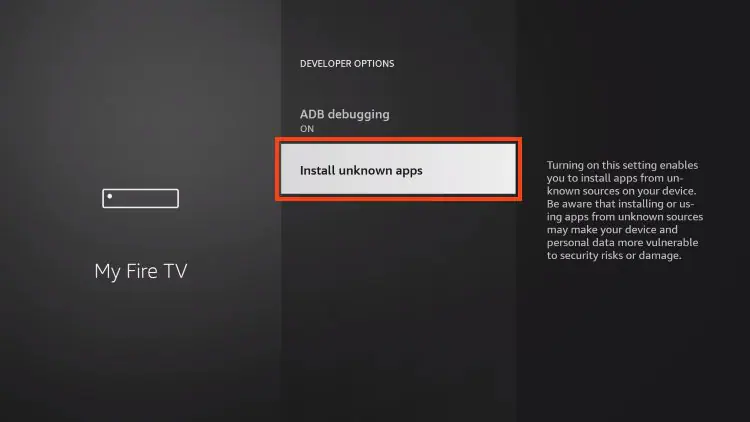
6) Select Developer Options and and select Install unknown apps.
7) Select the Downloader application.
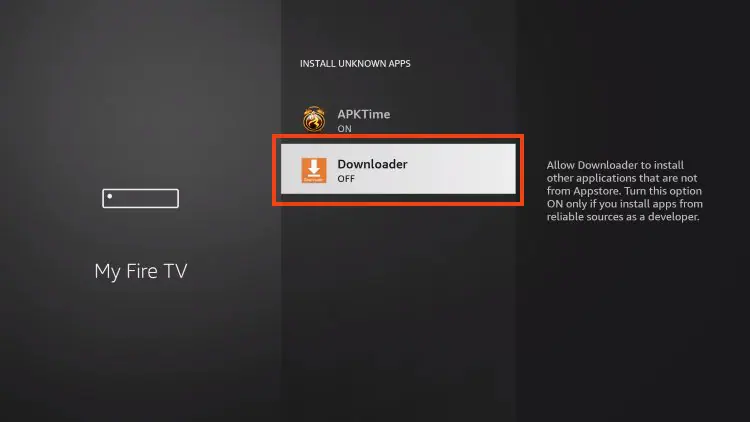
8) Unknown Sources has been enabled for the Downloader application, which will be used to sideload the IPTV application of your choice.
